
“Practice cancelled”
Let parents know when practice is cancelled
Read the case →Parents and families
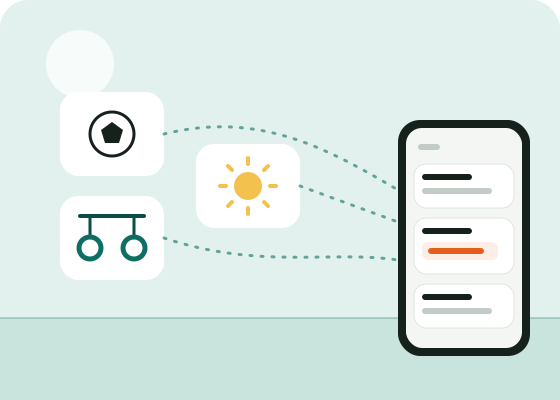
One scan per activity, and everything lands in the same place: each child’s schedule, cancellations, outings, reminders. No account, no phone number, and none of the fifty messages from the group chat.
Free for families, always. Free for the club too.
The problem
Football uses a WhatsApp group, gym sends e-mails, the holiday club has a noticeboard by the door and notes in the school bag. And everyone’s schedule lives in your head.
So you miss the outing, forget the room change, arrive at a locked sports hall. And you scroll through dozens of messages to find the tournament times.
With Ohey, one scan per activity is enough. Each club posts its news, you find it all in one place, with changes highlighted.
How it works
On the club’s poster, at the holiday club entrance, or from the link the leader sends. No account to create.
Straight away for football, in the daily digest for the rest, or not at all: channel by channel.
One calendar link brings together every activity’s schedule, in Google Calendar, Apple Calendar or Outlook.
What you get
This week’s clubs, the holiday club, then the holidays: a new scan is all it takes.
No name, no e-mail, no number: a random ID links your phone to your activities.
No chatter, no ads: just what changes and what to bring.
Every activity in one calendar, changes updated on their own.
Each scans the same QR code on their own phone, without sharing anything else.
Unsubscribing is one tap; finished stays go to sleep on their own.
Frequently asked questions
Mention it to the coach or the committee: it’s free for the club, and creating a channel takes two minutes on a phone. The “Suggest Ohey to my child’s club” button prepares a message to send them.
No. You install the app (or open the web version) and scan the QR codes. No e-mail, phone number or password is asked for.
No. It sees how many people follow its channel, never who.
Yes, channel by channel: straight away, in a daily digest at the time you choose, or none at all.
No, never. The app is free for members, with no ads.
Other situations
Let parents know when practice is cancelled
Read the case →Keep holiday club parents informed
Read the case →Tournaments: live times, pitches and results
Read the case →Send them Ohey: free for the club, two minutes to create the channel.