
“Practice cancelled”
Let parents know when practice is cancelled
Read the case →Teachers, coaches, leaders
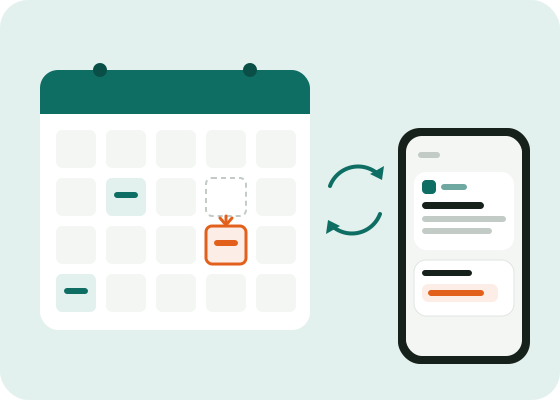
You already keep your schedule in Google Calendar, Outlook or Apple Calendar. Link it once: every session moved or cancelled in your calendar automatically tells the parents. Nothing to re-enter.
Free, calendar linking included.
The problem
Your schedule is already in your calendar. Re-entering it in yet another tool, and keeping it up to date in two places, won’t last long.
So you move a class in your calendar, and forget to tell the parents.
With Ohey, your calendar is enough. You change the session as usual, parents are told.
How it works
Google, Outlook or Apple: a guide shows you where to find it, and a preview what Ohey understood.
Parents subscribe to your channel, no account.
The app reads your calendar every fifteen minutes and tells subscribers about the week’s changes, grouped in one message.
What you get
Your calendar stays the single source: Ohey follows it.
Several changes are grouped into one notification.
Your calendar’s secret address is stored encrypted, never shown to other editors.
Calendar linking is included, without limits.
Frequently asked questions
Google Calendar, Outlook, Apple Calendar, and any calendar that provides an iCal address.
Every fifteen minutes. Changes in the coming week tell subscribers, grouped into one message.
No: only the schedule of the channel you linked. Use a calendar just for your classes if your personal one holds other things.
No, calendar linking is free for a single organisation.
Other situations
Let parents know when practice is cancelled
Read the case →One app for all your children’s activities
Read the case →Keep holiday club parents informed
Read the case →Create your channel and link your calendar: two minutes, and free.